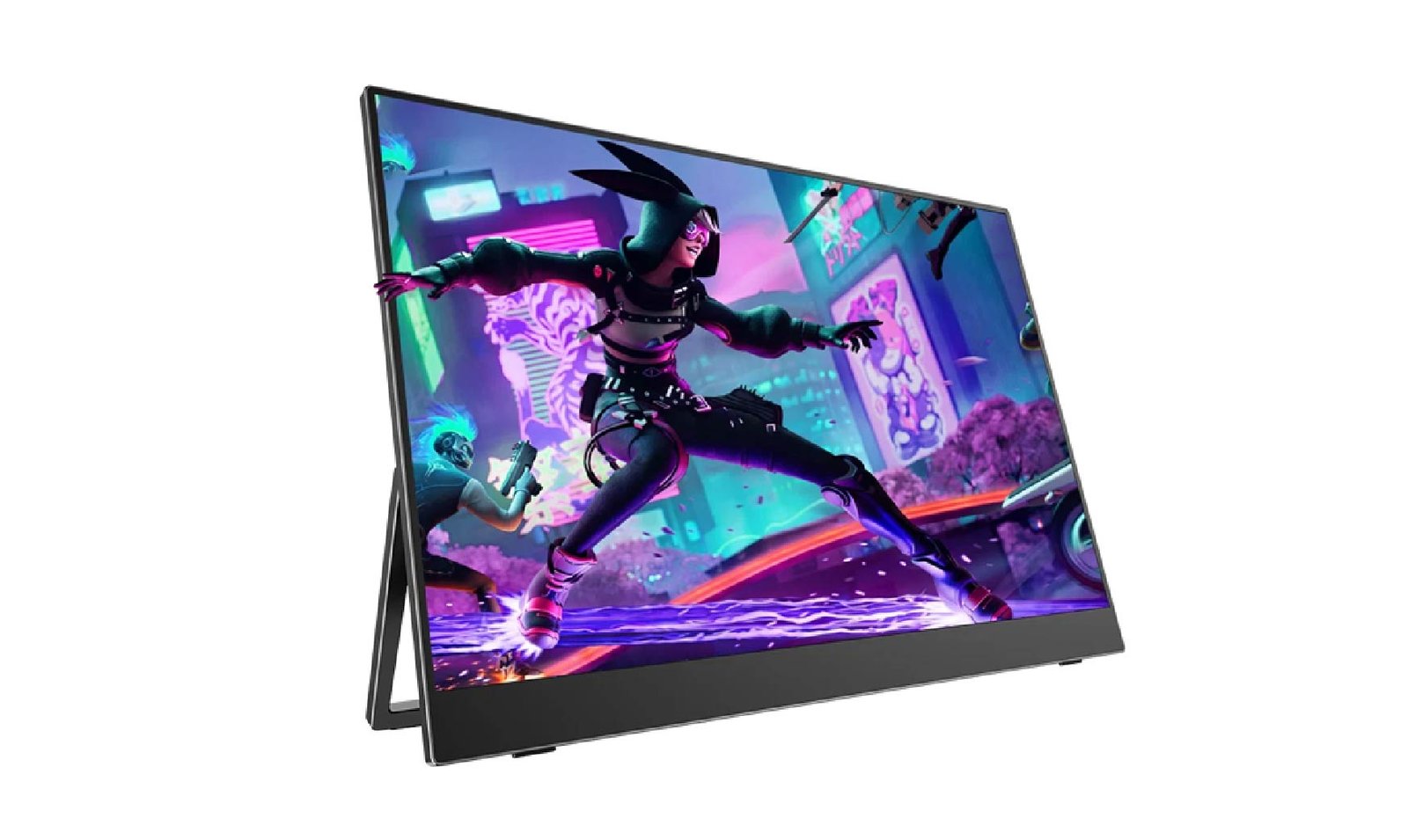
Handheld gaming has changed what “gaming on the go” actually means. A few years ago, portable gaming meant a Nintendo handheld or a phone. Now it’s a Steam Deck, an ROG Ally, or a genuinely powerful gaming laptop — all of which are capable of real frame rates and real visual fidelity, but stuck on a screen that’s often too small to fully appreciate it. A portable monitor closes that gap: a bigger, sharper, faster display that packs into a bag right alongside the console or laptop itself.
Buying one for gaming specifically comes with a different priority list than buying one for spreadsheets and video calls. Here’s what actually matters.
Refresh Rate and Response Time for Gaming
This is the spec where gaming use genuinely diverges from productivity use.
- 60Hz is the baseline — perfectly fine for turn-based games, story-driven titles, or anything where reaction speed isn’t the point.
- 120Hz–144Hz is where things start to feel noticeably smoother, especially in fast-paced or competitive titles. If your handheld or laptop can actually push frame rates that high, the difference in motion clarity is easy to see.
- Response time, measured in milliseconds, affects motion blur during quick camera movement or fast-scrolling scenes. Lower is better, and it matters more in fast shooters or racing games than in slower-paced genres.
There’s no point paying for 144Hz if your device can’t consistently produce frame rates anywhere near that — check what your Steam Deck, Switch, or laptop can realistically output before chasing the highest number on the spec sheet.
Resolution vs. Frame Rate Trade-offs on the Go
Handhelds and even gaming laptops have real limits on graphics horsepower, which means resolution and frame rate are often in direct competition with each other.
- Pushing a higher resolution looks sharper but can drag frame rates down on hardware that’s already working at its limit — a real concern on handhelds like the Steam Deck, which weren’t built to drive 4K at high frame rates.
- Dropping to 1080p on a portable monitor often lets a handheld maintain a much smoother frame rate, which usually matters more for the actual gaming experience than extra sharpness.
For most handheld gaming, a Full HD or QHD portable monitor paired with a higher refresh rate will feel better in practice than a 4K panel that forces your device to work overtime.
Compatibility with Consoles and Handhelds
Not every portable monitor connects the same way to every gaming device:
- Steam Deck and ROG Ally output video over USB-C, so most modern portable monitors work directly with a single cable.
- Nintendo Switch requires HDMI in docked mode — confirm your monitor has an HDMI or Mini HDMI input if the Switch is part of your setup, since not every USB-C-only monitor includes one.
- PS5 and Xbox also require HDMI, and it’s worth double-checking your monitor supports the resolution and refresh rate combination you actually want to play at (some cheaper monitors cap out lower than the console can output).
If you’re regularly switching between a handheld and a console, a monitor with both USB-C and HDMI inputs saves you from needing separate cables or adapters for each device.
Built-In Speakers and Audio Latency
Most portable monitors include basic built-in speakers, but they’re rarely the main event for serious gaming audio.
- Built-in speakers are fine for casual play, background gaming, or situations where headphones aren’t practical.
- Audio latency over Bluetooth headphones can occasionally introduce a small but noticeable delay in fast-paced games — wired headphones remain the safer choice if split-second timing matters.
- For most gamers, the monitor’s speakers are a convenience feature rather than a spec worth prioritizing — plan on headphones for anything competitive.
Durability for Travel Gaming Setups
A gaming-focused portable monitor tends to travel more than a productivity one — LAN parties, road trips, a friend’s place for the weekend — so a few durability details are worth checking:
- A sturdy kickstand that holds its angle under the slightly more active handling gaming setups get (leaning in, adjusting angle mid-session).
- Case protection for the screen when it’s tossed in a bag with a controller, cables, and a handheld console.
- Vent-free, fanless designs, which most portable monitors already have — worth confirming if you’re using it somewhere warm or for extended sessions.
Three Portable Monitors Worth Comparing for Gaming
Not every “gaming” portable monitor actually delivers on the refresh rate and response time that matters most for this use case. Here’s how a few options compare:
- UPERFECT — Offers dedicated gaming-oriented models with 144Hz refresh rates and FreeSync support built specifically for handheld and console use, positioning them as a purpose-built choice rather than a productivity monitor repurposed for gaming.
- G-STORY — A brand that’s built a reputation specifically around handheld and console gaming displays, often bundled with cases and mounts designed around consoles like the Switch and Xbox Series S.
- Arzopa — Known for aggressively priced 120Hz–144Hz panels, making it a common pick for gamers who want a high refresh rate without paying premium prices — just budget extra time to compare individual model specs, since quality varies more at this price point.
As with any gaming purchase, match the refresh rate and connectivity of whichever model you choose to what your specific console or handheld can actually output — the highest-spec option on paper isn’t worth it if your device caps out well below it.
Top Picks by Handheld/Console Type
A quick way to narrow things down by device:
- Steam Deck / ROG Ally — prioritize USB-C compatibility and a refresh rate that matches what the hardware can sustain (often 60–90Hz in demanding titles).
- Nintendo Switch — HDMI input is non-negotiable in docked mode; refresh rate matters less since the Switch is capped at 60Hz regardless of the monitor.
- PS5/Xbox — HDMI with support for the console’s native resolution and refresh rate combination; check for HDR support if that’s part of your setup.
FAQ
What refresh rate do I need for casual gaming?
60Hz is genuinely fine for slower-paced or story-driven games. Reserve the extra cost of a 120–144Hz panel for fast-paced or competitive titles where your device can actually sustain higher frame rates.
Can I use a portable monitor with a Nintendo Switch?
Yes — but only in docked mode, and only with a monitor that has an HDMI or Mini HDMI input. USB-C-only monitors won’t work with the Switch’s video output.
Do portable monitors add noticeable input lag?
Most modern portable monitors add minimal input lag, especially those marketed specifically for gaming. Budget models without gaming-specific processing tend to have slightly higher lag, so it’s worth checking response time and input lag figures if competitive timing matters to you.
Final Thought
A portable gaming monitor is really a compatibility and priorities exercise: match the refresh rate to what your device can actually push, confirm the right input for your specific console or handheld, and don’t overspend on resolution your hardware can’t take advantage of. Get those three things right, and a bigger, sharper screen travels just as easily as the console or laptop it’s paired with.